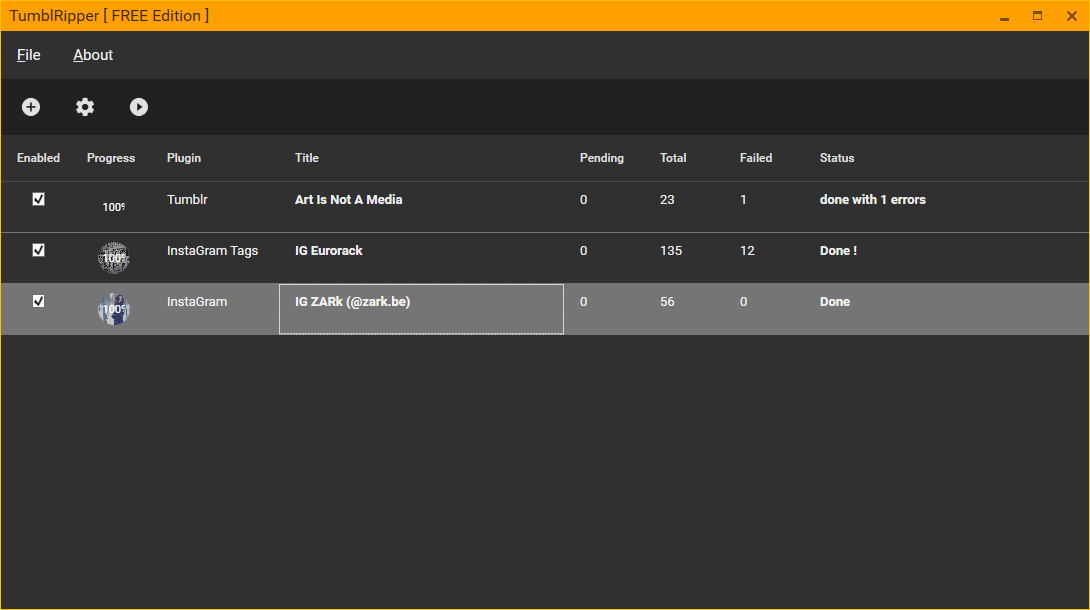
TumblRipper is a free small tool created to backup your tumblr pictures to your harddisk.
(Or those of a photoblog you enjoy);
Download TumblRipper 0.6 * recommended
Download TumblRipper 0.6 [standalone]
New version 0.81 on donation only, after donation paypal will redirect you to a hidden download page
Please be aware that Paypal takes fees on the donations,
and for amounts less than 1EUR, I actually get 0.
Changelog :
0.81 -- If you already donated you should have received a mail from me with the updated version
- BugFix: Yata! window was forced on top, this is now removed. (it should appear on top of other programs)
- BugFix: .tmblr file association fixed
- BugFix: Option to include shortcut to desktop
- BugFix: Added new options for console, and put a better help line.
- BugFix: Fixed UI to support resizing
- New: experimental Video Support
- BugFix: update verification code and internationalization
- New: New installer, better.
- BugFix: possible bug with Settings file and multiple instances
- Fixed bug introduced in 0.71 that only updated existing blogs but didn't download anything on new blogs
- Fixed bug with software update check, that would throw Exception if server was not reachable
- Fixed bug with incorrect tumblr url that would throw Exception
- New Feature : Saves a list of recently used TumblRipper sites. (Right click the BROWSE button )
- Donation reminder now disappears
- Browse folder now opens to the last used folder
- Option to show/hide the preview
- Enable/Disable the download of 'missing' files. (Files that were previously downloaded but were deleted locally)
Click DONATE button above, give ANYTHING and get the TURBO mode !
- Turbo mode : New Download engine. 300% Faster at minimum
- Fast Indexing : Blog index is now kept to avoid rescanning the blog EVERYTIME. making updates VERY fast !
0.6 - 23 July 2012
- Major Bugfix
My indexing algorithm was too conservative in system resources and caused a bug on blogs that don't update too often.
Update your blogs with this new version to make sure everything was backed up !
0.5 - 22 July 2012
- changed settings file from url.txt to blogname.tmblr
- FileType association (*.tmblr)
- Drag n drop support for *.tmblr files
0.4 - 20 July 2012
- Installer
- bug fixes
- check for updates
0.3 - July 2012
- Downloads the new hi-res 1280px pictures
- Preview the images as they are downloaded
- Command line support
Features :
- StandAlone application (no installation needed)
- Automatically download all photos and videos from a given TumblR blog.
- Preview pictures as they are downloaded.
- Will try to retrieve the 1280p photo, else 500,400, 300 or the 250.
- Only photos you don't already have yet will be downloaded.
- As light as possible on the tumblR servers
- Will keep a small text file in the saved directory with the blog url to easily update.
- Keep the original dates from the original upload !
- Keeps a history file to update only new things from the blog and doesn't need to scan it completely everytime
OsX / Linux : MONO